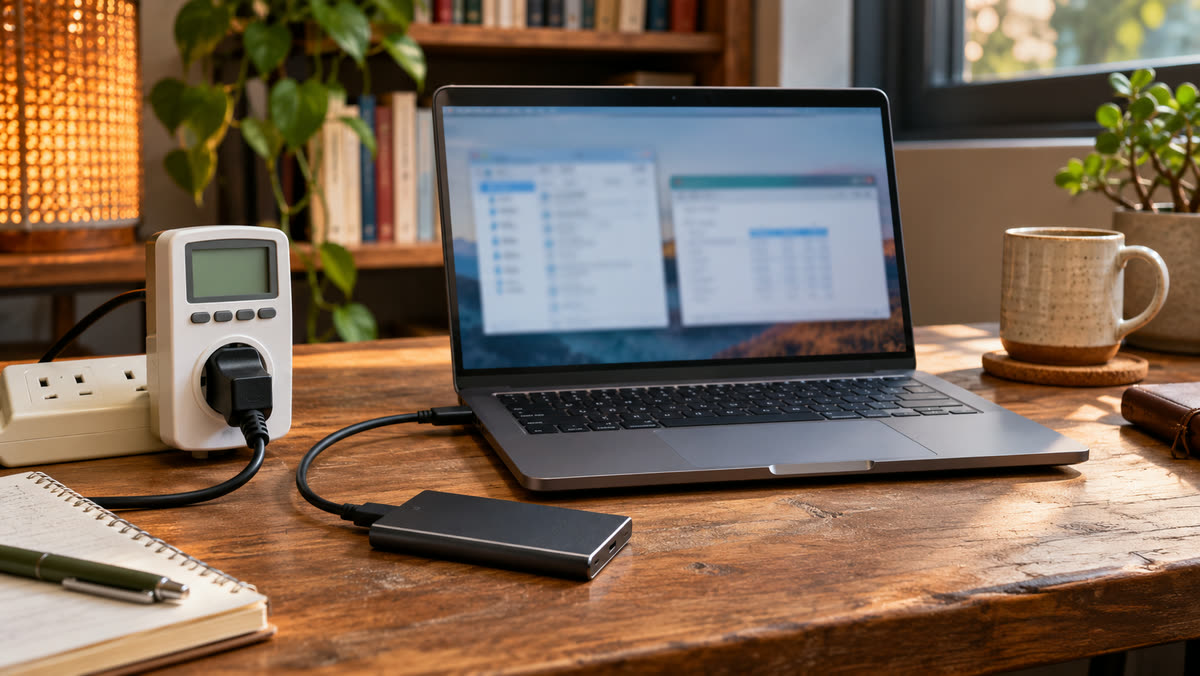
Name the problem and measure it before you buy anything. If the problem is a slow job, time the job. If it is power use, record how long the device runs and find a credible power reading. If it is an old device that keeps failing, collect a repair quote and a replacement quote. You can compare those numbers with the cost of the upgrade over the time you expect to use it.
Estimate energy savings in dollars
Multiply the difference in watts by hours of use, divide by 1,000 to get kilowatt-hours, and multiply by your electricity price per kilowatt-hour. Suppose a monitor draws 45 W in your normal setup and a replacement draws 22 W under similar settings. At eight hours a day for 250 days, that is 46 kWh saved per year. At $0.18 per kWh, the annual saving is $8.28. A $160 purchase would take about 19 years to recover through those electricity savings alone. If replacement is already necessary and the efficient model costs $25 more than the alternative, the energy premium pays back in roughly three years at the same usage. U.S. Department of Energy home energy education guide · ENERGY STAR monitor efficiency criteria
Use your own rate for the units you can save. A bill may also include fixed charges that stay the same. Compare equal brightness and hours when evaluating displays. For a device that cycles on and off or sleeps much of the day, measure energy across a normal period and include idle use. U.S. Department of Energy standby power guidance
Estimate time saved using a task you repeat
Suppose a working file takes 50 seconds to open and an upgrade reliably reduces it to 20 seconds. At 16 opens per workweek, the saving is eight minutes a week, or about 6 hours 40 minutes across 50 weeks. Check that you can actually use that time. A short wait that happens while you are doing something else may have little practical cost. If the delay blocks paid work and you value those recovered hours at $25 each, the modeled annual value is about $167. An upgrade that costs $180 and takes an hour to install has a different value from one you already need to keep working. Use the computer troubleshooting guide to test whether the part you plan to buy addresses the measured delay.
Compare repair, replacement, and keeping what you have
| Option | Costs and checks to write down |
|---|---|
| Keep the device | Current performance, energy use, interruptions, and expected support life. |
| Repair or upgrade | Parts, labor, installation time, compatibility, and the life you expect it to add. |
| Replace | Purchase price, setup and transfer time, warranty, running costs, and any resale value. |
If a $90 battery replacement makes a phone useful for another year, compare the $90 with the cost of bringing forward a phone purchase. Ask what the new phone would solve today, and include support and reliability in the choice. When the only symptom is short battery life, start with the phone battery guide and the manufacturer's diagnostic.
For a Windows utility or a home automation device, Abelssoft PC Fresh and SwitchBot are existing partner offers. Price the exact setup you would use. If the benefit is a convenience you value, give it a budget of its own. If the purchase is supposed to save money, record the assumption you will check afterward.