Paper or spreadsheet: choosing the right one
The printables in this gallery do one job that a spreadsheet cannot: they stay visible. A
tracker on the fridge or on a desk gets read without opening anything, and that visibility is the
whole mechanism. The spreadsheet does a different job — it totals, and totals are what make a
month legible. Most households are better off with both, used for different decisions.
What is in the set
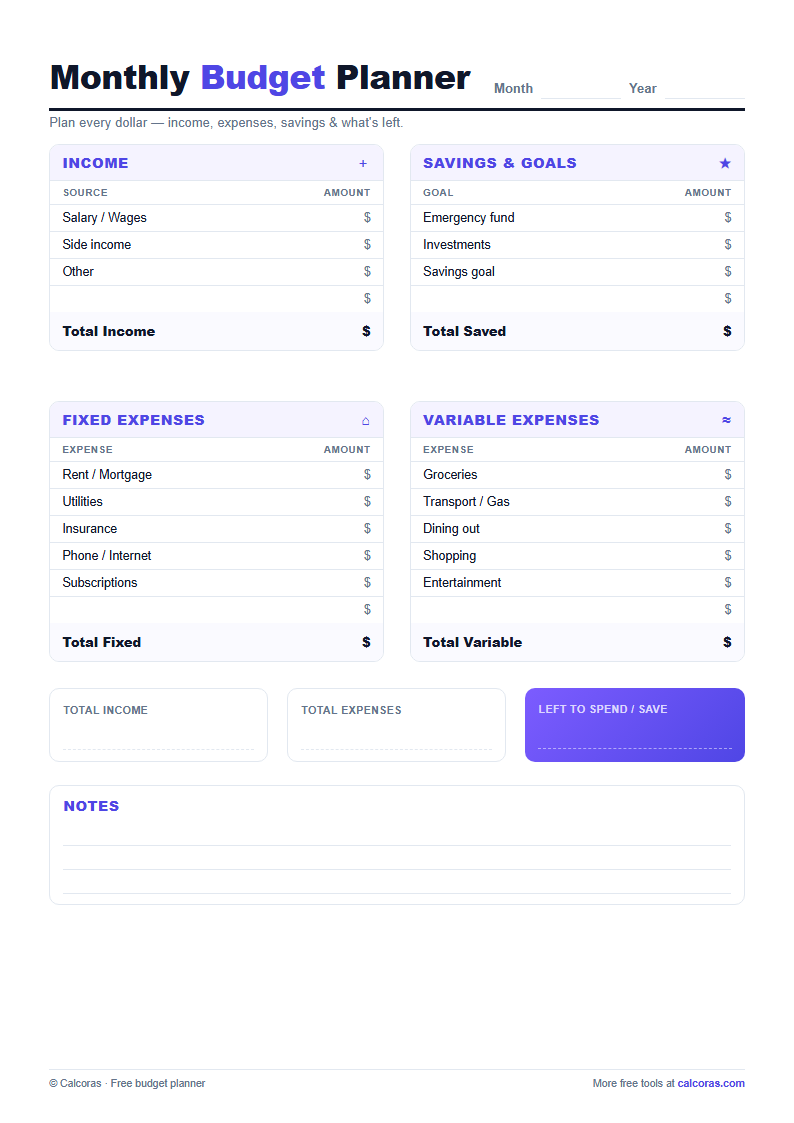
Eight trackers, each for a specific decision: a monthly budget page for planning income and
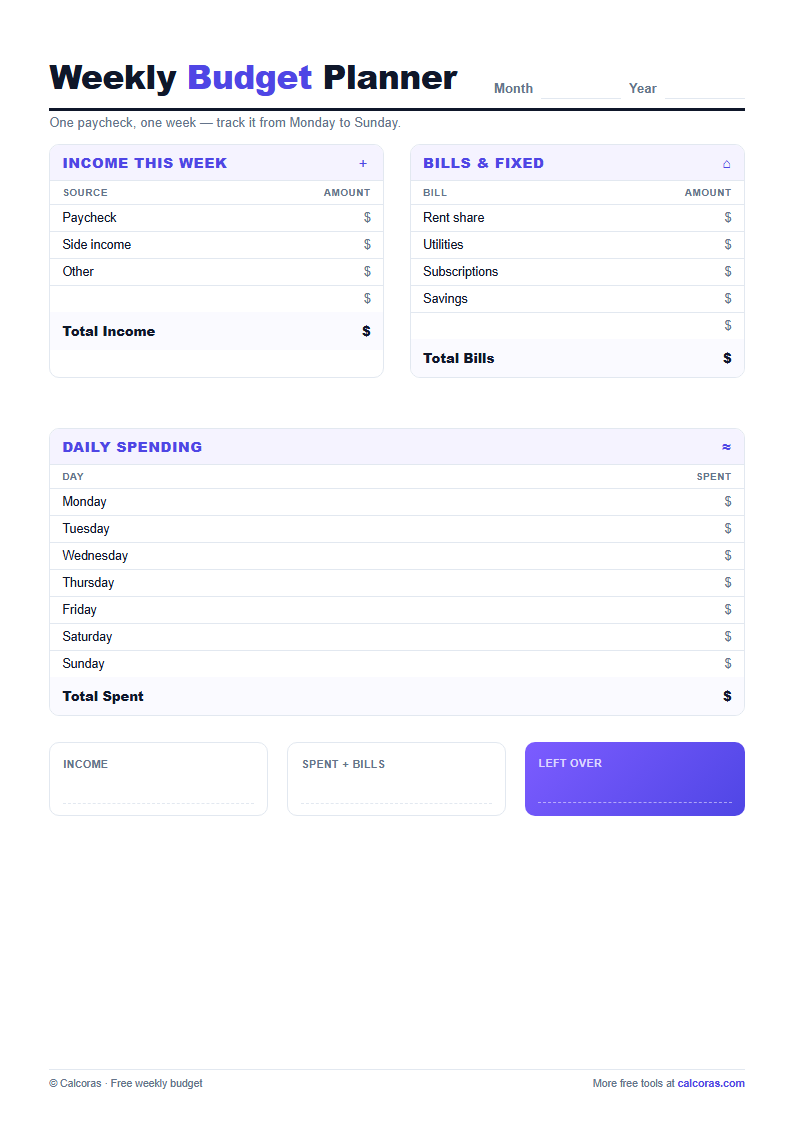
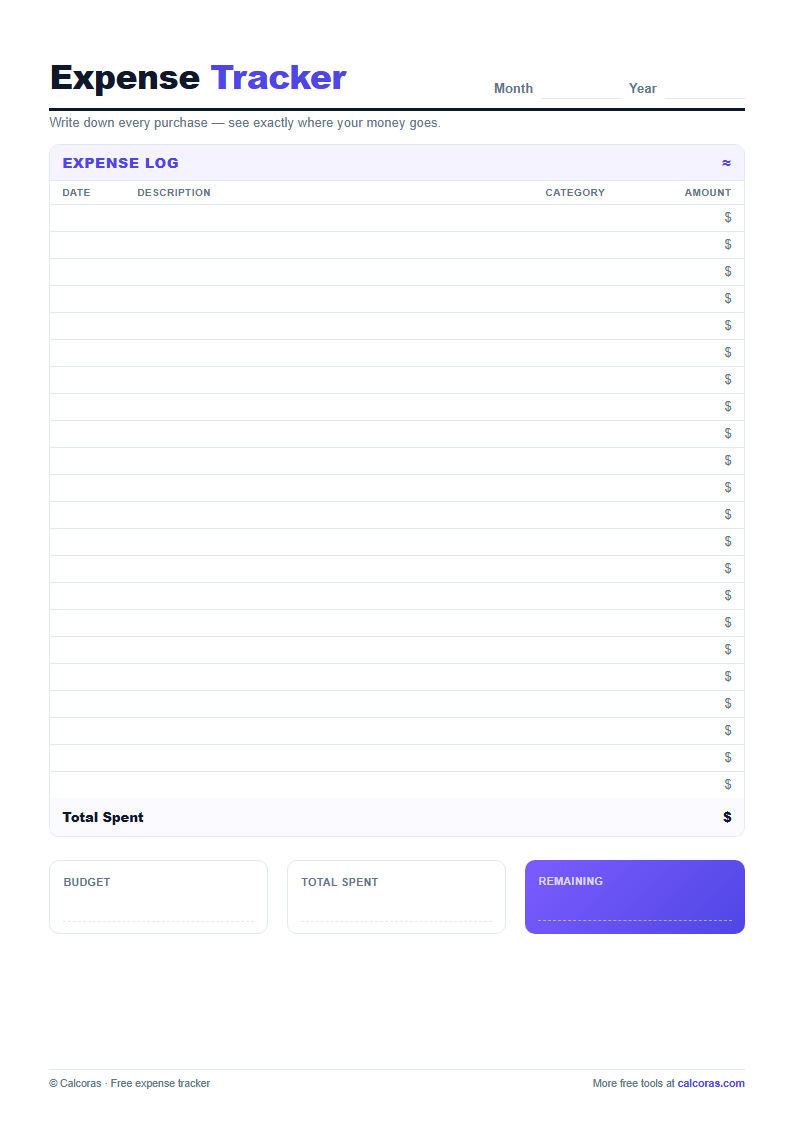
expenses on one sheet, a weekly budget page for following a single paycheck, an expense tracker
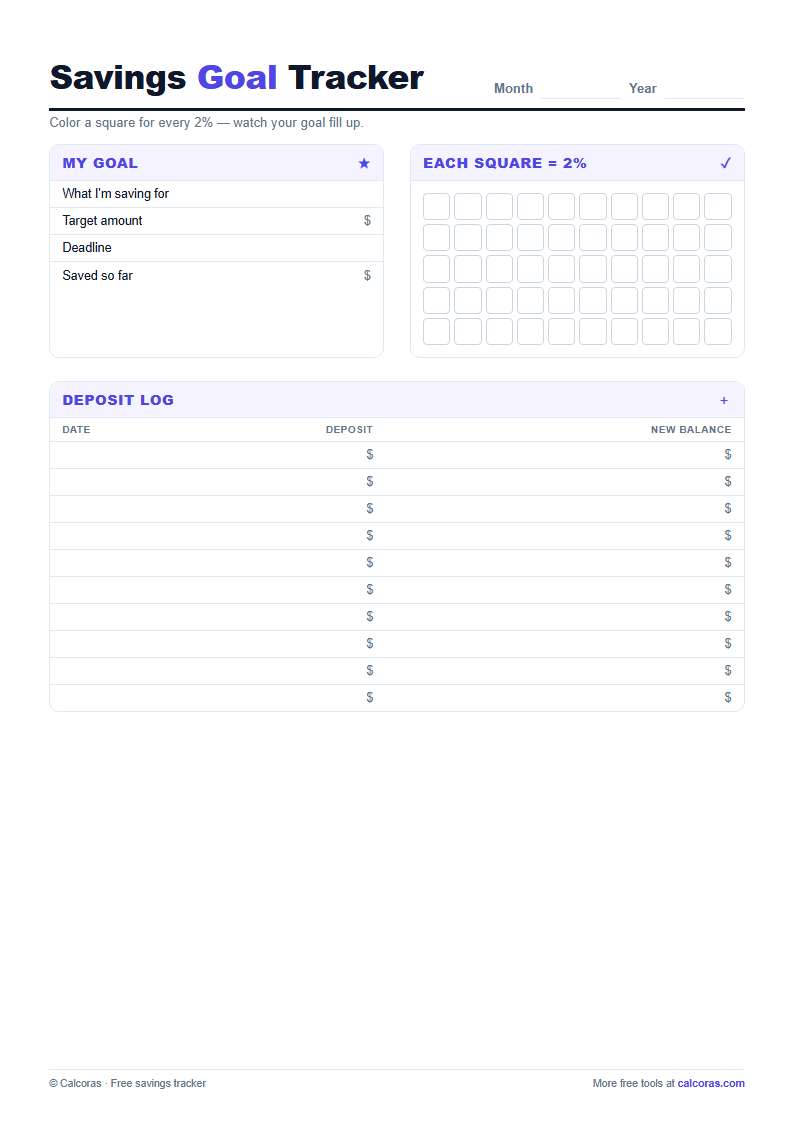
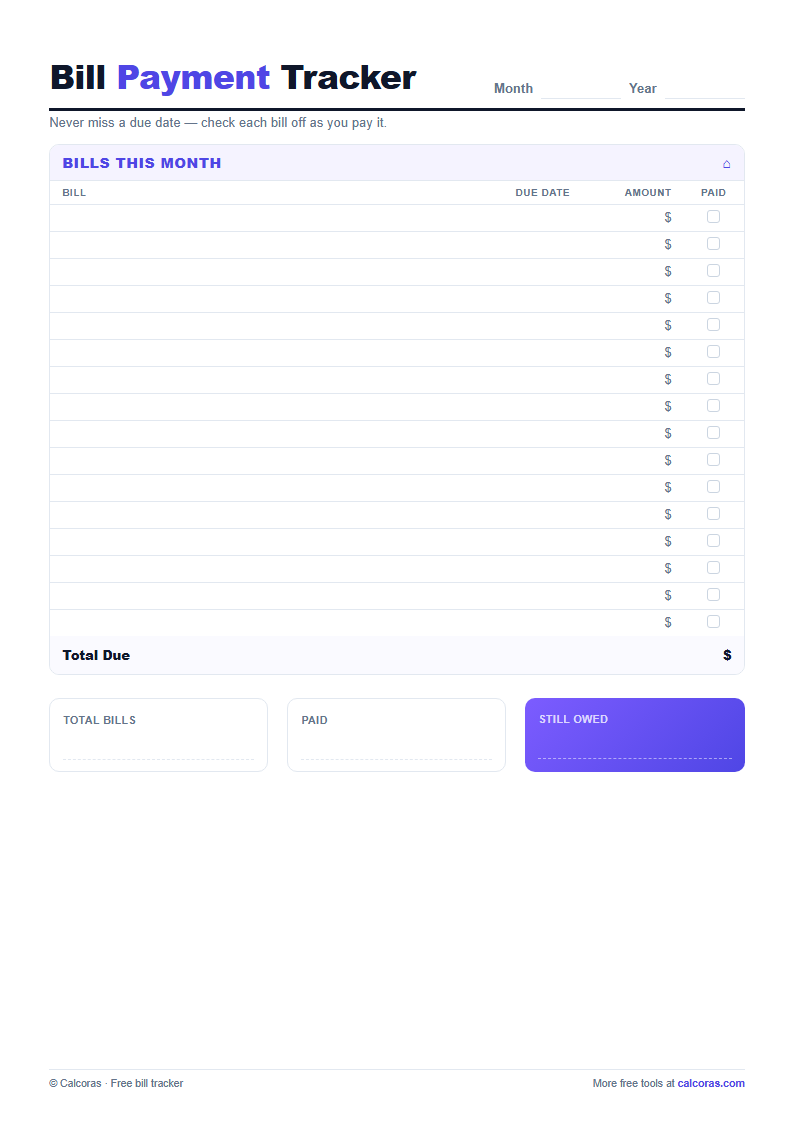
for logging purchases, a savings goal tracker for marking progress in visible steps, a bill
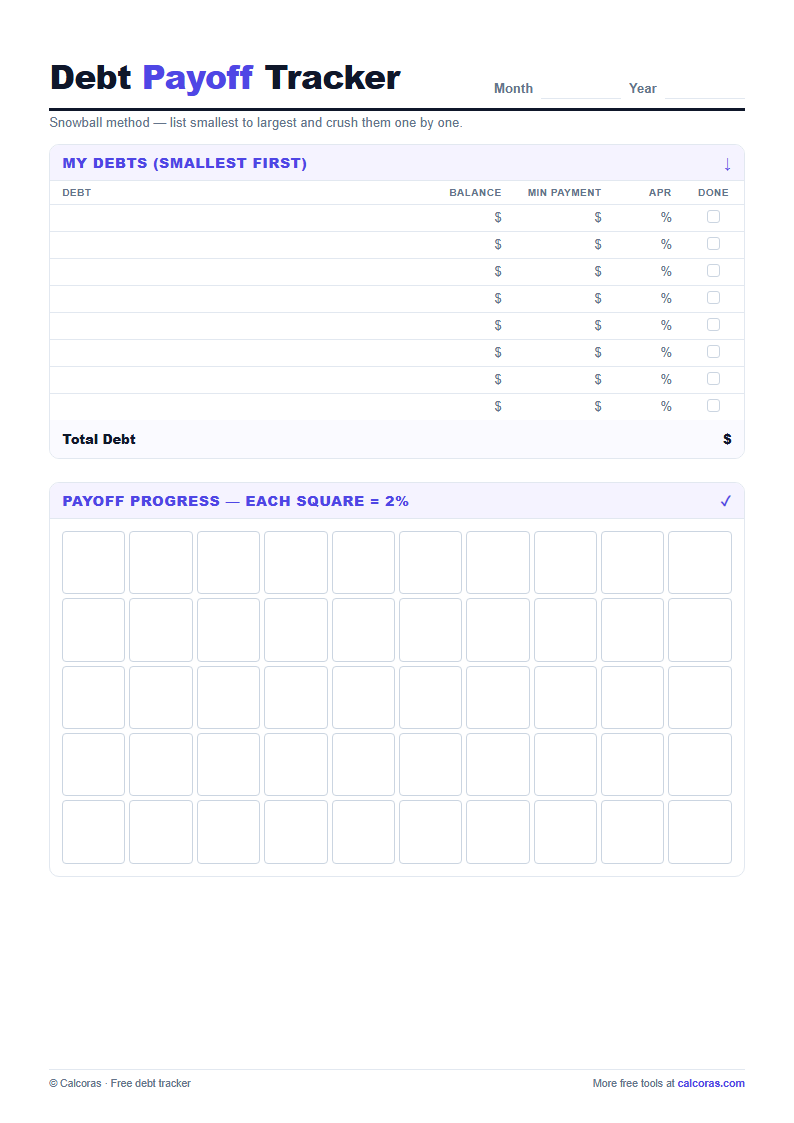
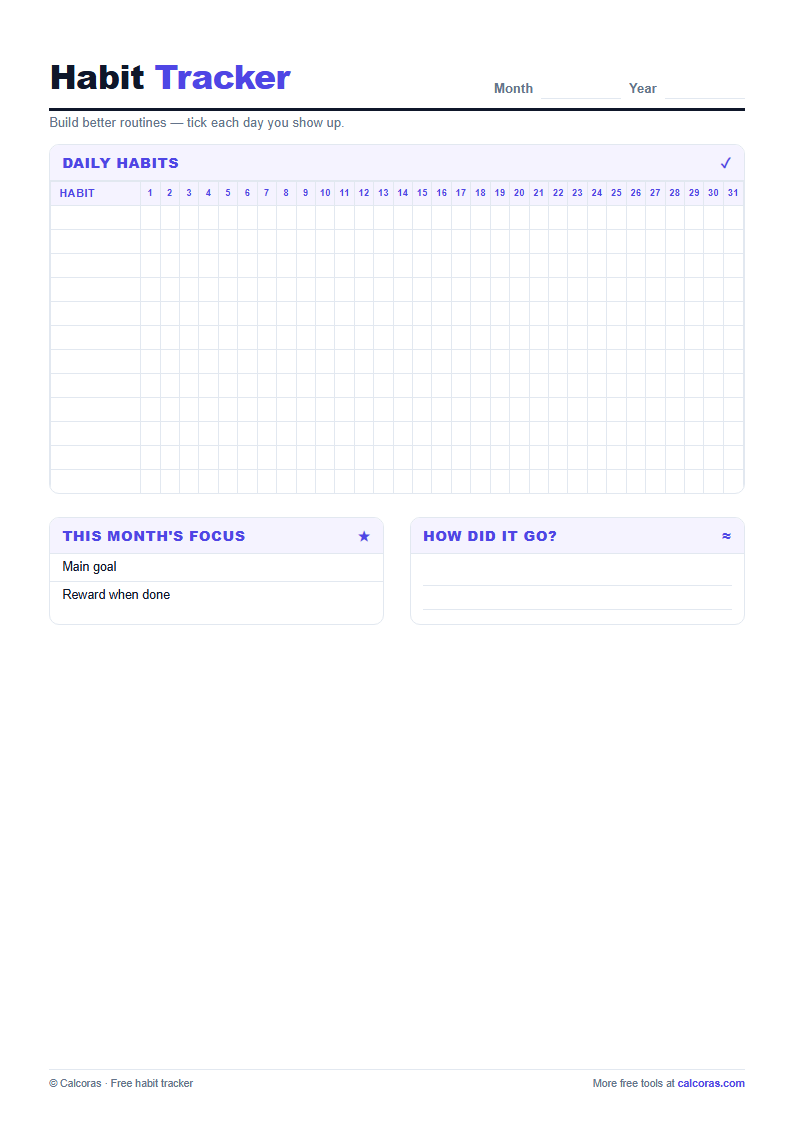
tracker for due dates, a debt payoff tracker for working balances down in order, a habit tracker
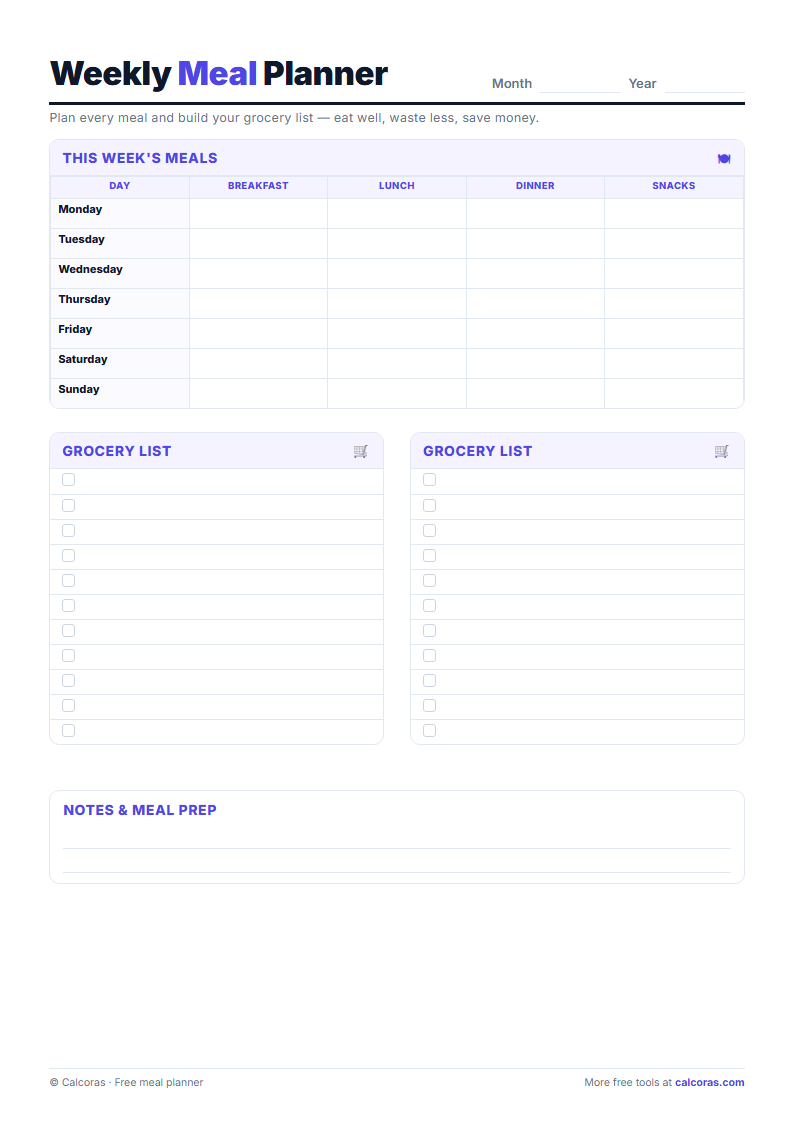
for the routines that support the rest, and a weekly meal planner that doubles as a grocery list.
Use the one that corresponds to the decision you are actually making this month. Printing all
eight produces a folder nobody opens, which is the same failure mode as a budgeting app that is
never launched. The debt tracker is worth printing when you are making extra payments; the bill
tracker is worth printing when a late fee has already happened once.
How to get useful results from a paper tracker
Fill it in at a fixed moment rather than continuously — weekly for expenses and bills,
monthly for the budget summary. A tracker that requires daily discipline usually fails in the
second week; a weekly ritual usually survives. Print at 100% scale rather than "fit to page",
because the layouts assume full-size A4 or Letter paper, and write in pencil if you expect the
plan to change.
Everything here is free to download and keep, and no email address is required. The
budget spreadsheet covers the calculating side, and the
downloads page collects the whole set in one place.
Examples and assumptions last reviewed October 13, 2026. Amounts are illustrative, not current product quotes.